
Describe your interface and generate editable UI for Roblox Studio.
Refine it in chat, then bring it into your game.
or describe your own UI below
Your prompt will be ready after sign-in
Requires Roblox Studio on desktop. Credits start at $5.
Prompt
“Restyle this shop UI with a bold, game-ready preset”
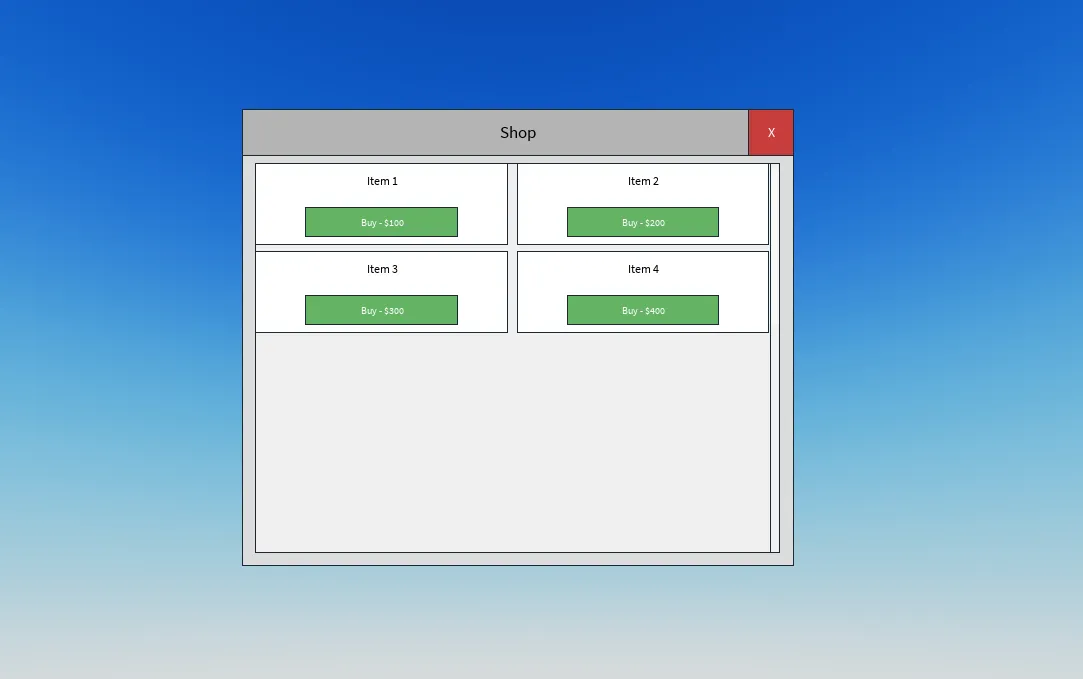
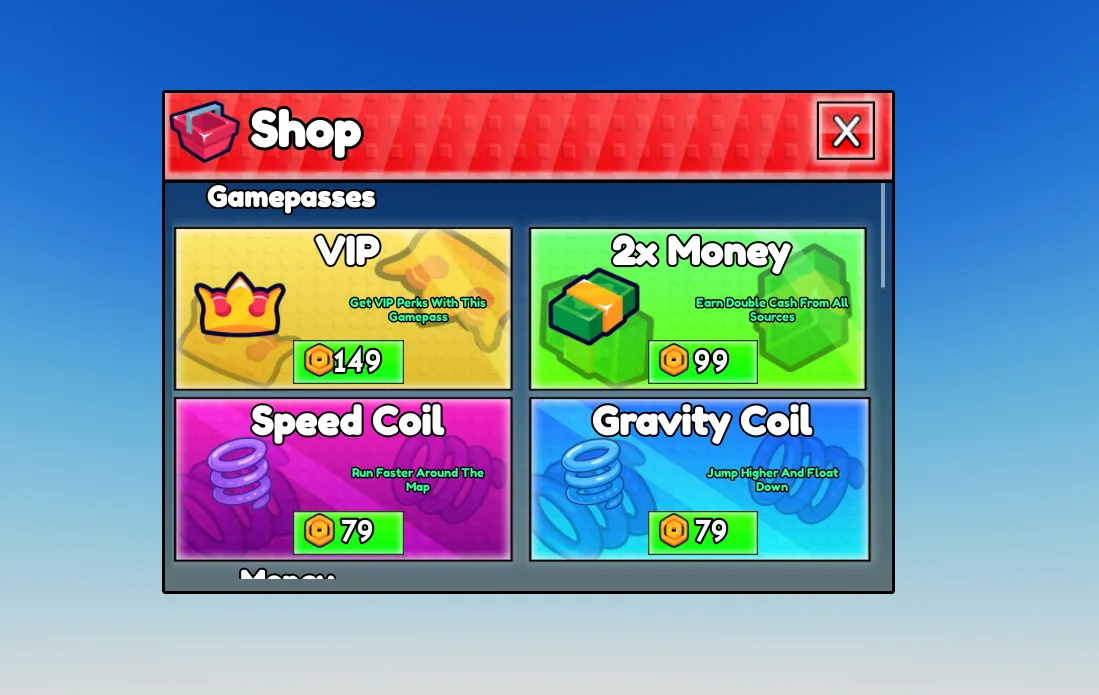
Built for your Studio workflow
Everything that slows you down, automated.
Generate editable Roblox UI layouts with curated styles or your existing UI as a reference. Connect the interface to your game logic in Studio.
PRESET STYLES
Fixed cost for your first generation. Follow-up messages in a conversation switch to token-based pricing.
ADAPTIVE MODE
Token-based pricing. Analyzes your existing UIs to match your game's style.Input: $5.40/1M tokens
Follow-up edits are billed by length — most small edits usually cost a few cents.
Start with one screenThe fixed preset price applies to the first generation in a conversation. Start with a focused screen you can inspect before requesting more changes.
Refinements are paid tooFollow-up chats and Adaptive mode use token pricing. Tokens measure the text and code processed and generated; longer conversations and larger outputs can cost more.
Check the result in StudioYou get an editable interface. Game logic and behavior still need to be connected and tested in your place.
$5 / $10 / $25 / $50 top-ups. Credits never expire.
First purchase: 25% bonus credits on $10+ reloads, up to $5 bonus
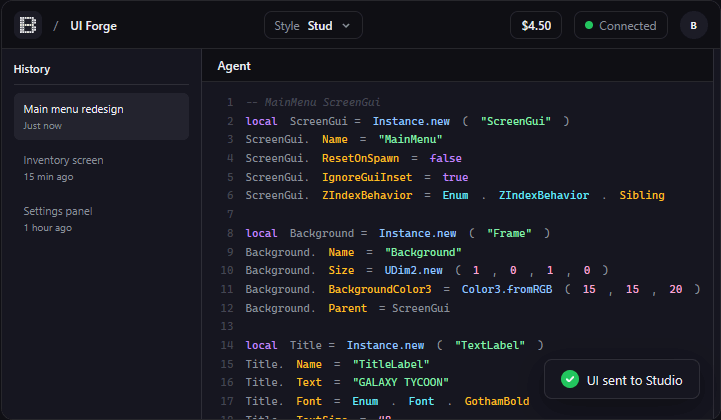
Watch a prompt become an editable interface in Roblox Studio
Choose from Stud, Flat, Anime, and Pixel Art — or use Adaptive mode to match your existing UI.
Tell Bloxsmith what to build in plain English. Get editable UI layout code matched to your chosen preset. Connect it to your game logic in Studio.
One click sends your UI straight into Roblox Studio via our free plugin. No copy-paste, no manual imports.
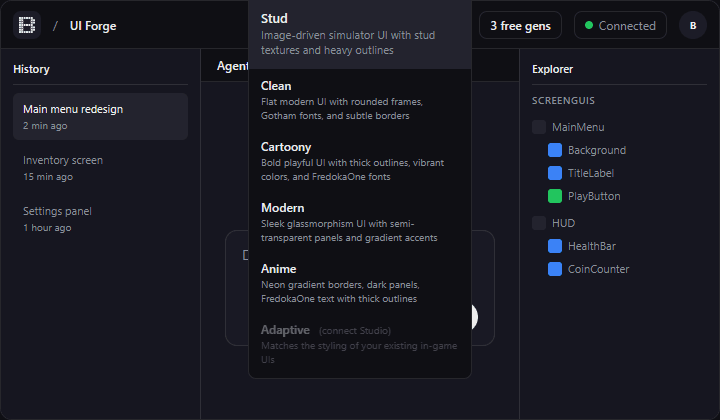
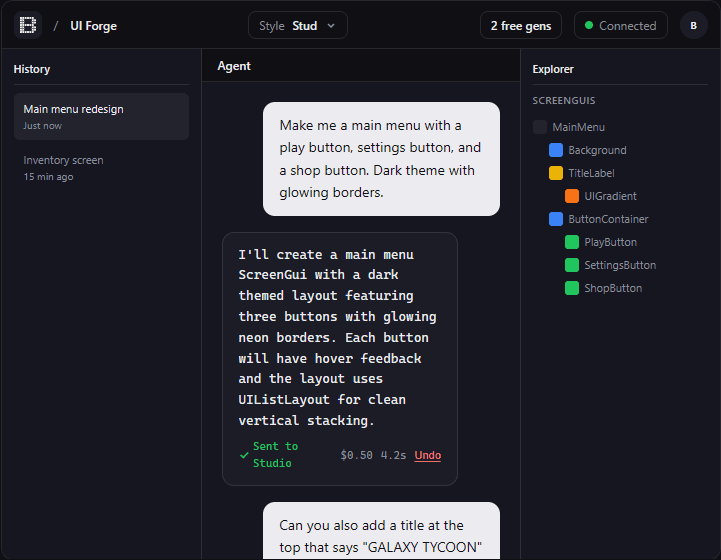
Pick a style preset
Bloxsmith is an AI-powered Roblox UI generator. Describe an interface in plain text and get an editable Roblox UI layout matched to a style preset. Refine it in chat or Studio, then connect it to your game logic. The free Studio plugin connects your place to the Bloxsmith web editor.
Yes. Bloxsmith authenticates through Roblox's official OAuth flow — we never see or store your Roblox password. The plugin connects your Studio session to the web editor to read UI structure and apply generated layouts. Review generated code and test it in your place before publishing. Our privacy and terms pages explain data handling.
Your first generation with a style preset costs $0.50 per frame before any active promotion. Follow-up messages in a conversation and Adaptive mode are token-based and vary by complexity. There are no subscriptions — you only pay for what you use.
Bloxsmith works with any Studio place. Install the plugin, connect with a session code, and your existing ScreenGuis are automatically detected. Generated UIs are standard Roblox ScreenGuis that work anywhere.
Bloxsmith uses our Forge generation system, tuned specifically for Roblox UI code and paired with real Roblox assets and your chosen style preset. The underlying models can change as the generation system is updated.
Yes. You can choose from the asset library and pin specific assets for your generation. Custom images uploaded to Roblox are subject to Roblox moderation and permissions, so an upload may not be immediately available in your place.
You can edit it in Studio like any UI you built yourself. You can also continue the conversation to refine the output, or use Adaptive mode so new screens match your existing UI style. Think of it as a fast starting point, not a finished game.
When the server marks a generation as failed, its generation charge is released. A temporary balance hold may take a moment to clear. Check your history for the final status; a completed generation may still need edits before it fits your game.
Bloxsmith combines Roblox-focused generation, style presets, curated assets, and direct Studio delivery. Adaptive mode can reference an existing UI to help new screens match it. Generated layouts remain editable, so you can refine the details for your game.